

Introduction
While modern browsers include built-in download capabilities, many users prefer dedicated download managers that offer additional tools for organizing files, managing multiple downloads, and customizing how downloads are handled.
These applications are designed to provide greater flexibility for people who regularly download large or numerous files.
Why Browser Downloads Aren't Always Enough
For occasional downloads, a browser may work perfectly well. However, users who frequently download large files often look for additional features such as:
- Download queues
- Resume support after interruptions
- Download scheduling
- Better organization
- Browser integration
- Bandwidth controls
These features can make managing downloads more convenient, especially when working with multiple files or slower internet connections.
What Many Users Look For in a Download Manager
A dedicated download manager often includes tools designed to simplify file management. Popular features include:
- Multi-threaded downloading
- Download queue management
- Resume interrupted downloads
- Browser extensions
- Download scheduling
- Speed limiting
- Modern user interface
- Cross-platform support
Having these capabilities together can help users organize downloads more efficiently without relying entirely on browser download tools.
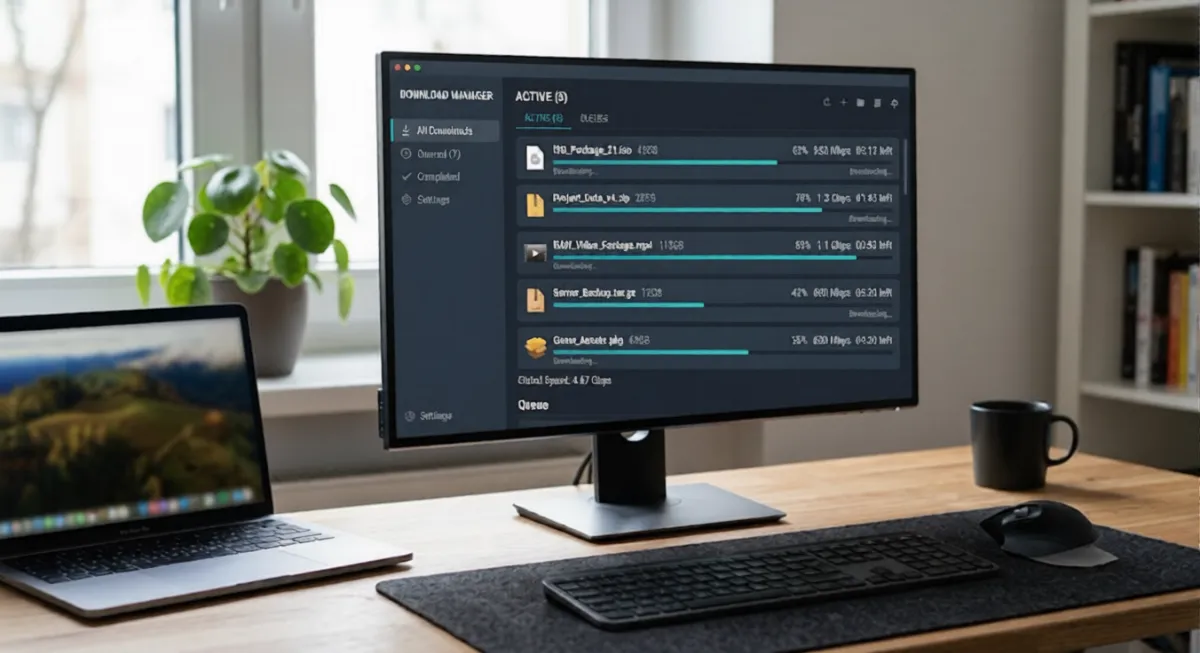
One Option Worth Exploring
One option worth considering is AB Download Manager.
According to the developer, AB Download Manager is a free and open-source download manager designed to simplify downloading files across Windows, macOS, Linux, and Android.
It supports browser integration with popular browsers, download queues, scheduling, speed controls, and a modern interface with multiple themes.